




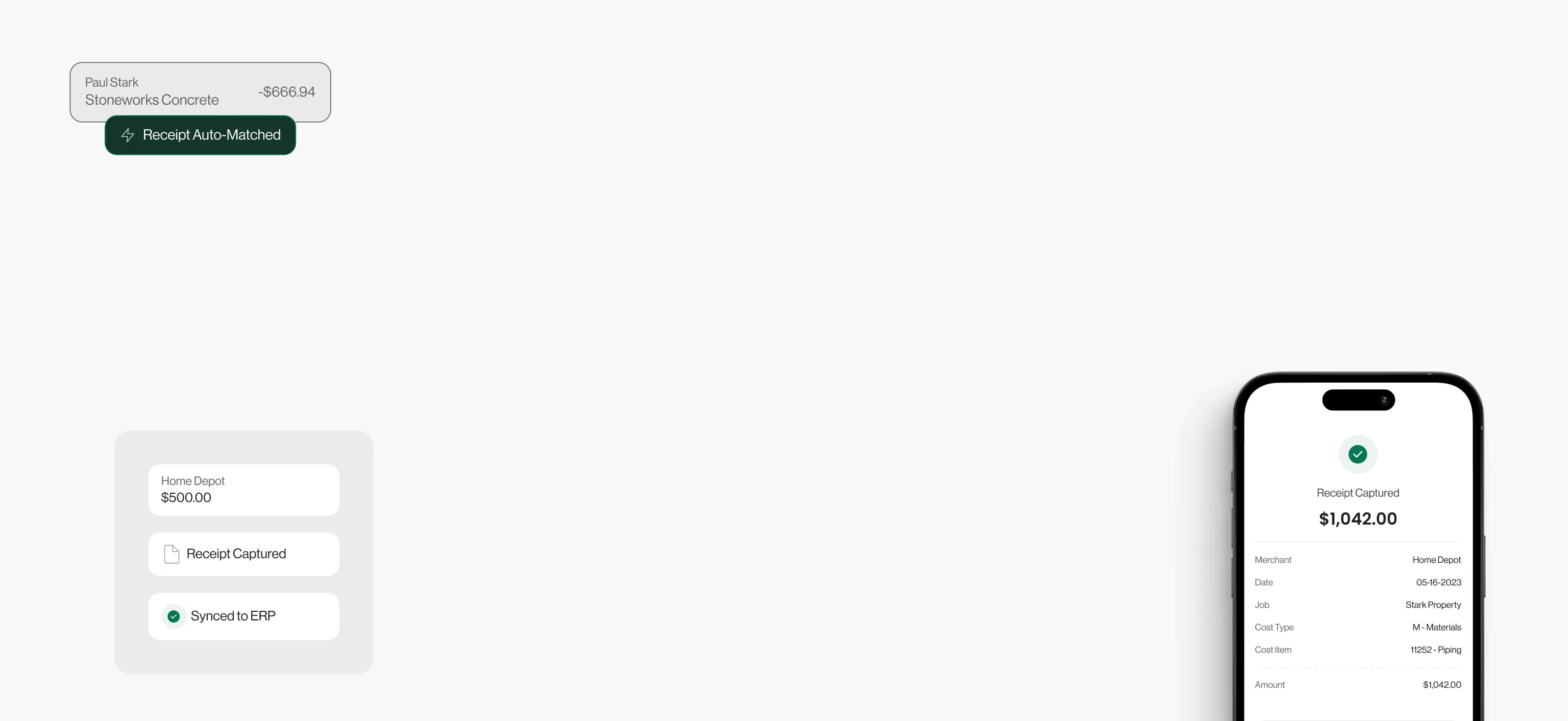

















Stop chasing your employees today
5x
faster month-end close
<1 hr
per month to reconcile
90%
less time on expenses
7 days
to be fully integrated
Flexible, customizable
& employee-friendly
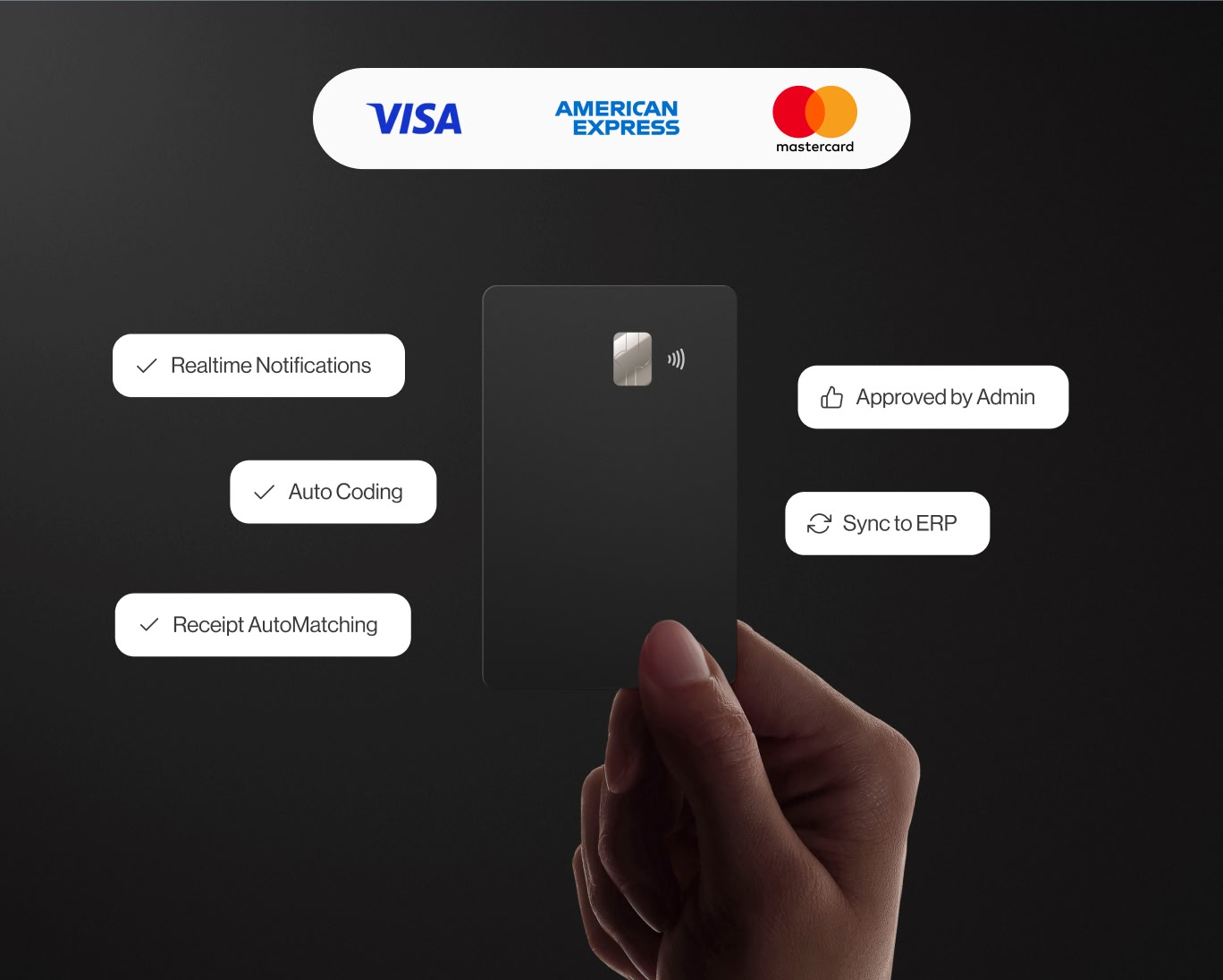
Connect any credit card
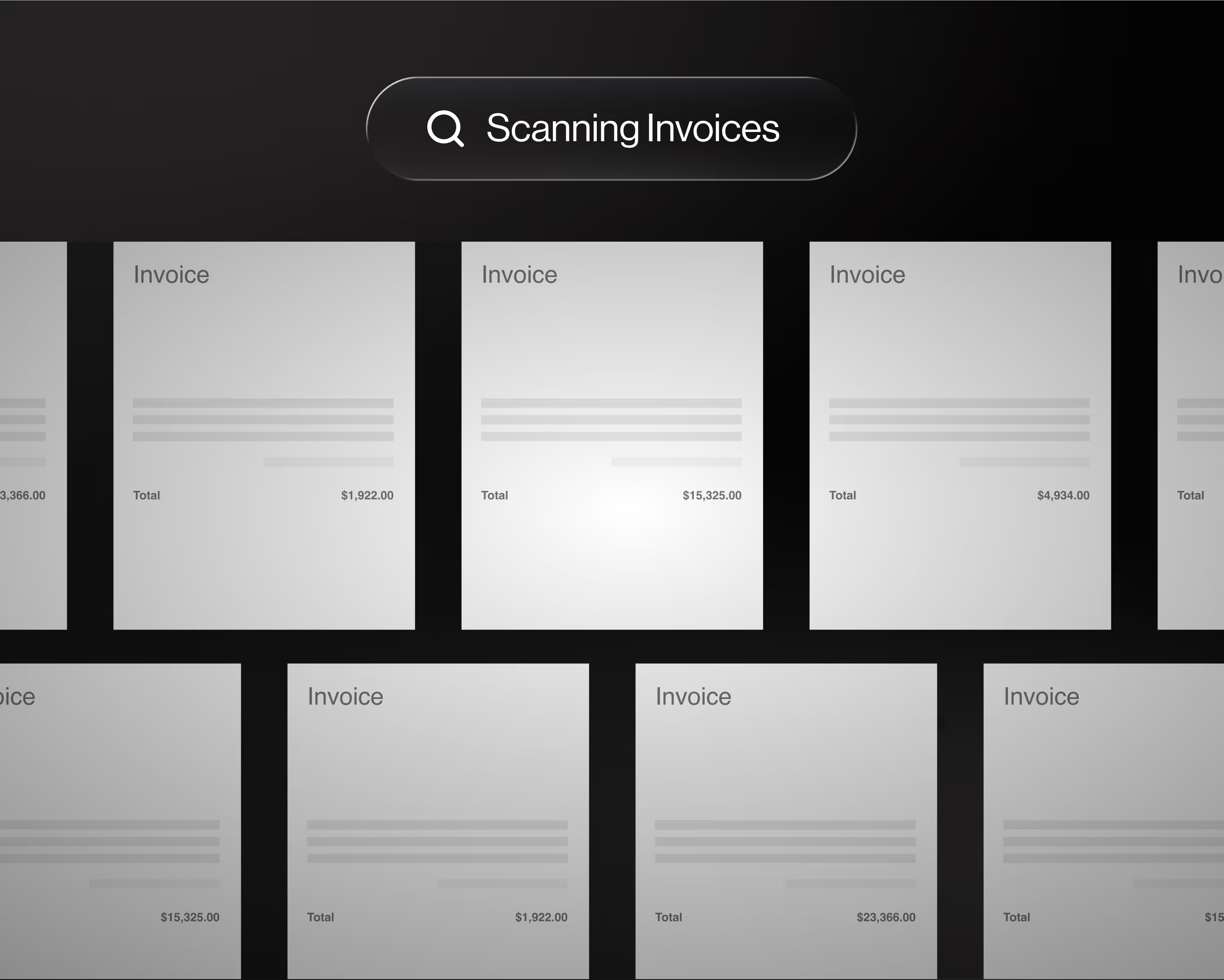
Sync your AP email inbox
AI powered automations

Robust ERP integrations
Create Flags & Policies
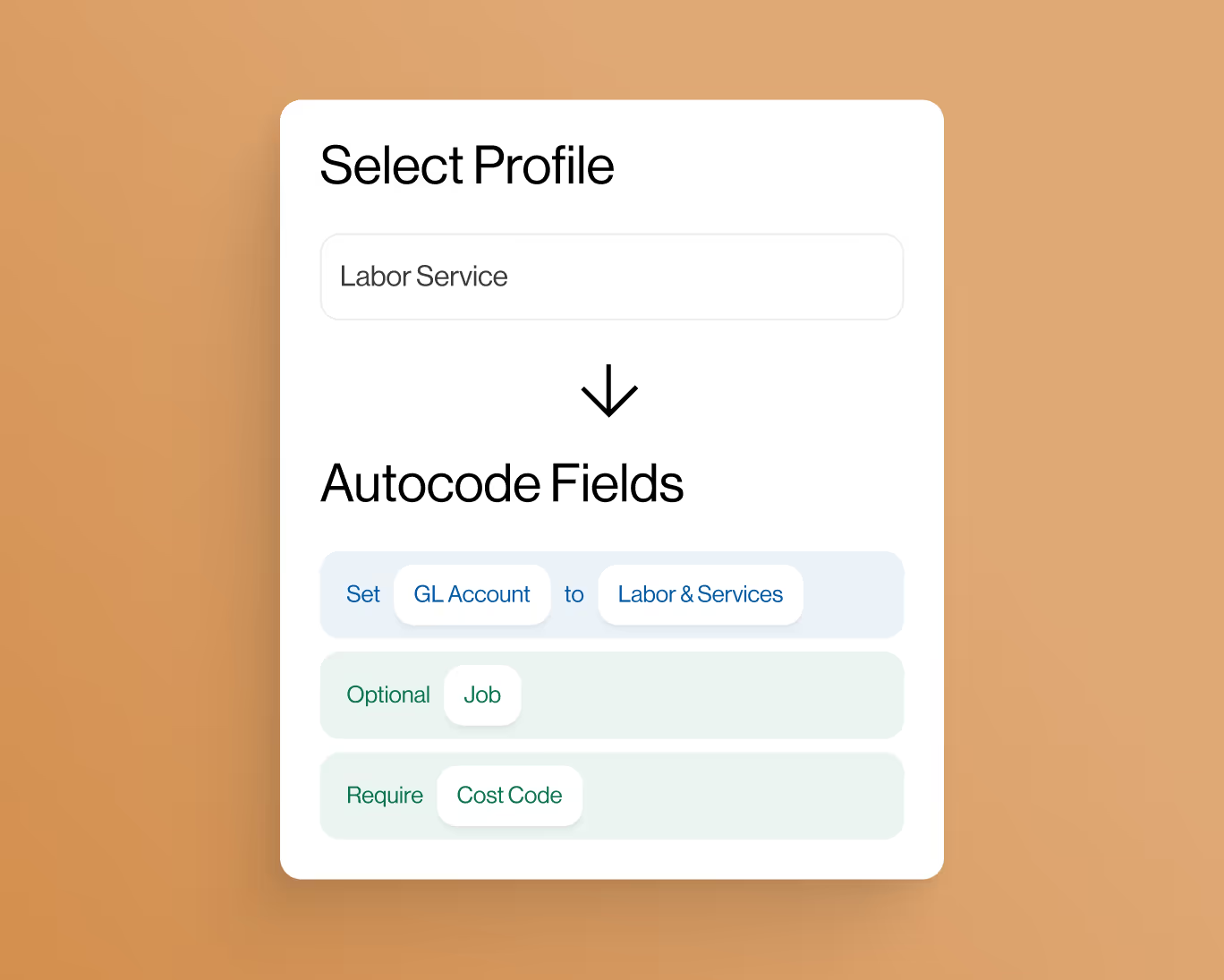
Employee-level controls

Custom approval workflows
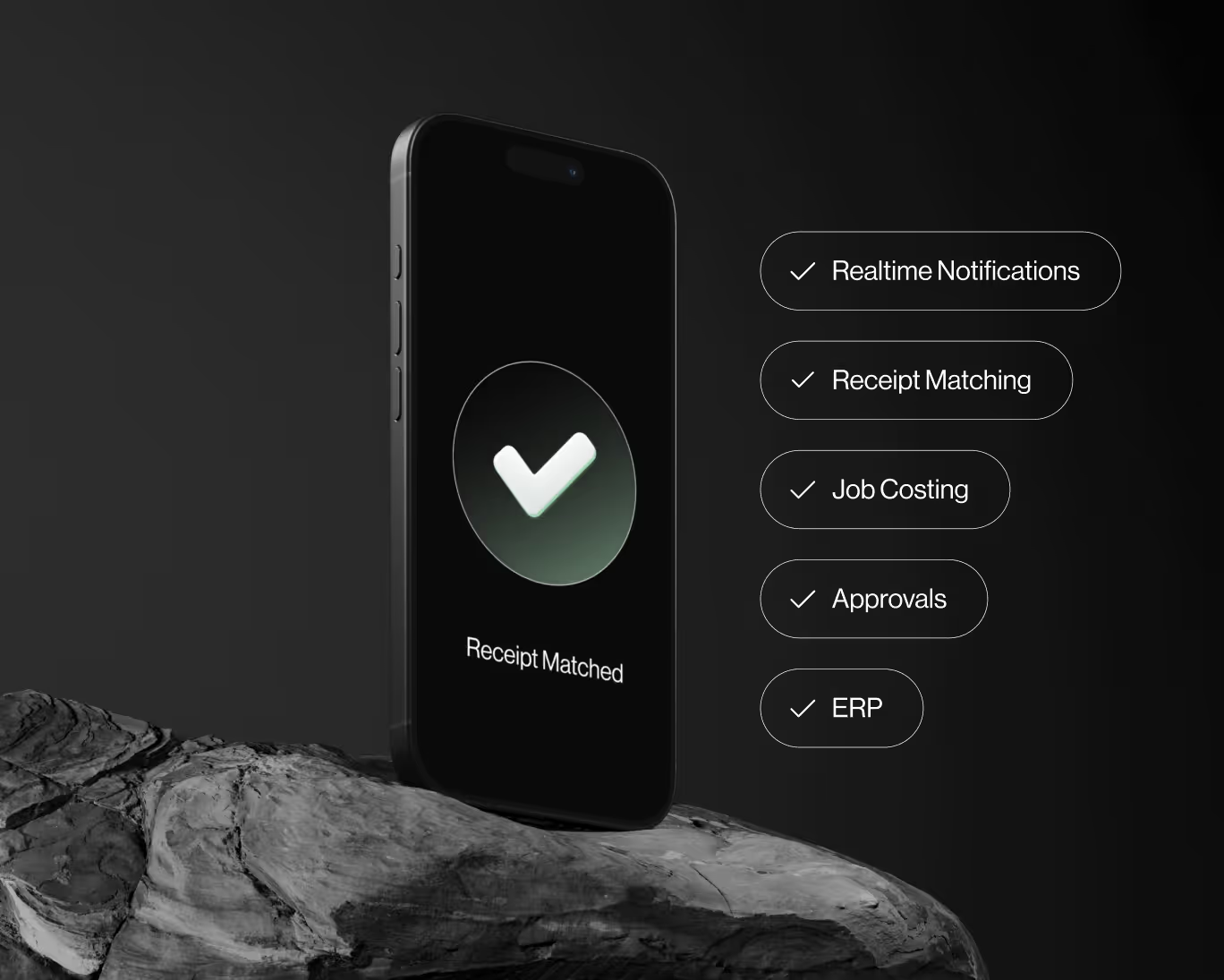

Includes dedicated onboarding manager.

Fast Integration

Account Manager

Obsessed with your industry

Frequently Asked Questions
What is Vergo and who is it built for?
Vergo is expense and AP automation built around your ERP and your industry. It connects the cards you already have, captures receipts, routes invoices for approval and posts entries coded to your ERP's own structure — GL accounts, dimensions, projects, or jobs and cost codes.
Which ERPs does Vergo integrate with?
Vergo integrates with 300+ ERPs and accounting systems and reads each one's own structure — subsidiaries, departments and classes in NetSuite, dimensions in Sage Intacct and Business Central, classes and projects in QuickBooks Online and Desktop, and jobs, phases and cost codes in construction ERPs such as Viewpoint Vista, Viewpoint Spectrum, Foundation Software, Sage 300 CRE and CMiC. Acumatica, Xero and hundreds more are supported. If your system isn't listed, ask: Vergo's team handles setup, and most integrations are live within a week.
How does Vergo code transactions?
Vergo codes every transaction to your ERP's own structure — the GL accounts and dimensions your ERP uses, such as department, class, location and project, or job, phase and cost code for construction teams. AI proposes the coding from the receipt and your own history, and accounting teams set the rules that enforce how your ERP is structured — eliminating manual entry and coding errors.
How long does it take to get started with Vergo?
Most teams are fully onboarded within one week. Vergo's team handles ERP integration setup, and every account includes a dedicated account manager who guides your team through configuration, training, and go-live.
Can Vergo work with our existing company credit cards?
Yes. Vergo supports any major business credit card, including Visa, Mastercard, and American Express. There is no need to switch cards or open new accounts — Vergo syncs with your existing cards and automatically matches receipts to transactions in real time.
How does Vergo automate AP invoice processing?
Vergo's AP automation captures invoices via email forwarding, drag-and-drop upload, or direct inbox sync. AI extracts line-item data, detects duplicates, and routes each invoice to the correct approver based on your workflow rules. Approved invoices sync directly to your ERP — no manual entry required.
Does Vergo replace our ERP or work alongside it?
Vergo works alongside your existing ERP — it does not replace it. Vergo acts as the front-end data collection and approval layer, then pushes clean data, coded to your ERP's own structure, into your ERP (NetSuite, Sage Intacct, QuickBooks, Viewpoint Vista, etc.) so your books are always accurate and up to date.
How much time do finance teams typically save with Vergo?
Results vary by team size and volume, but Vergo customers report significant reductions in manual accounting work. Pacific Tech reduced credit card reconciliation from 10 days to 2 days. Moss Utilities went from a full-time reconciliation role to roughly one hour per day. Victory Woodworks reduced invoice entry time by over 50%.